
SHAREit
SHAREit is a free Windows app from the SHAREit Team for moving photos, videos and documents between a PC and a phone. The current version is 5.1.0.7.
22.7 MB

5.2.3 · The qBittorrent project · Page updated
qBittorrent is a free, open-source BitTorrent client with no ads. Version 5.2.3 is the current Windows release.
Average 0.0 · ratings: 0
Thank you! Your rating is saved; you can change it. Could not save the rating. Please try again later. Too many ratings from your network today. Please try again tomorrow. The average appears after 5 ratings.
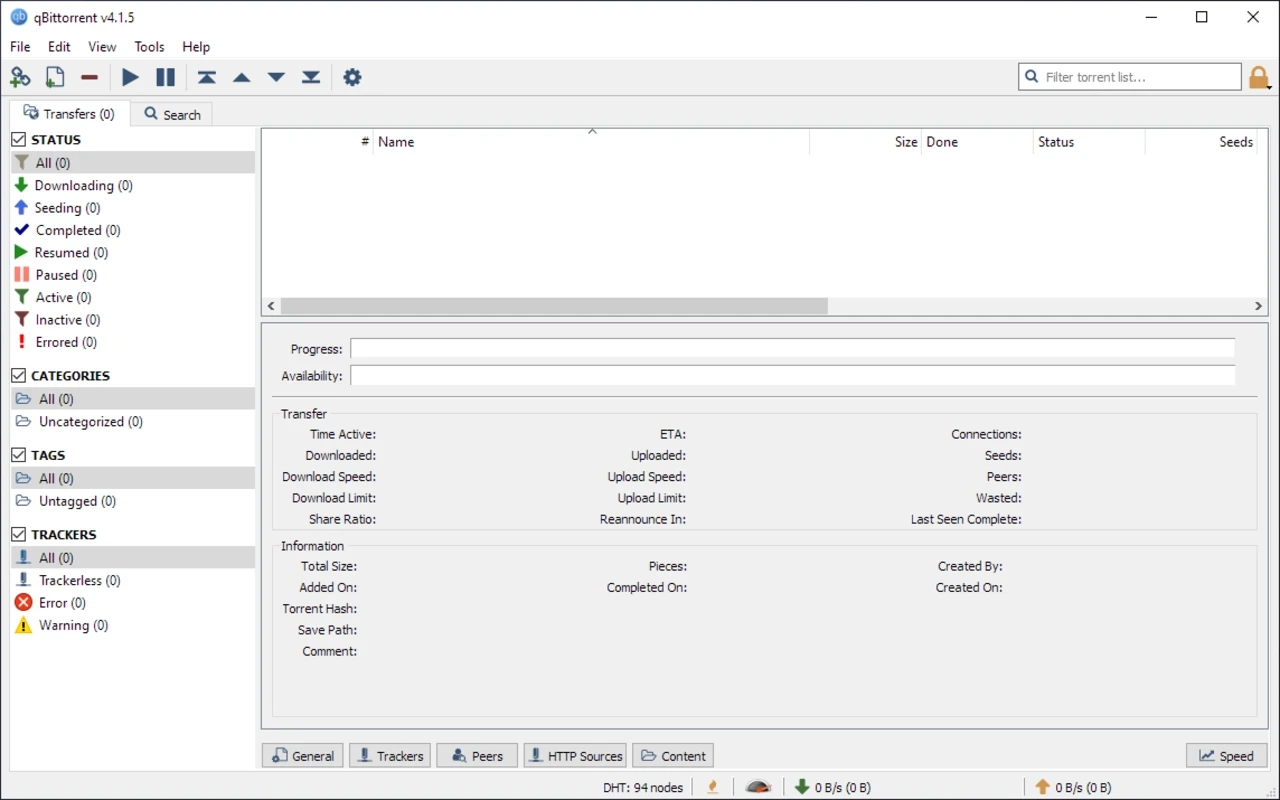
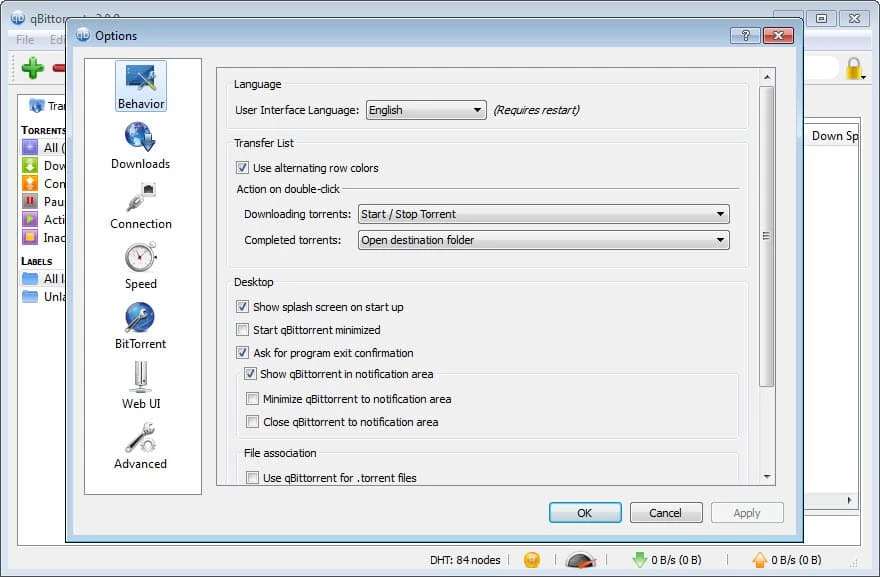
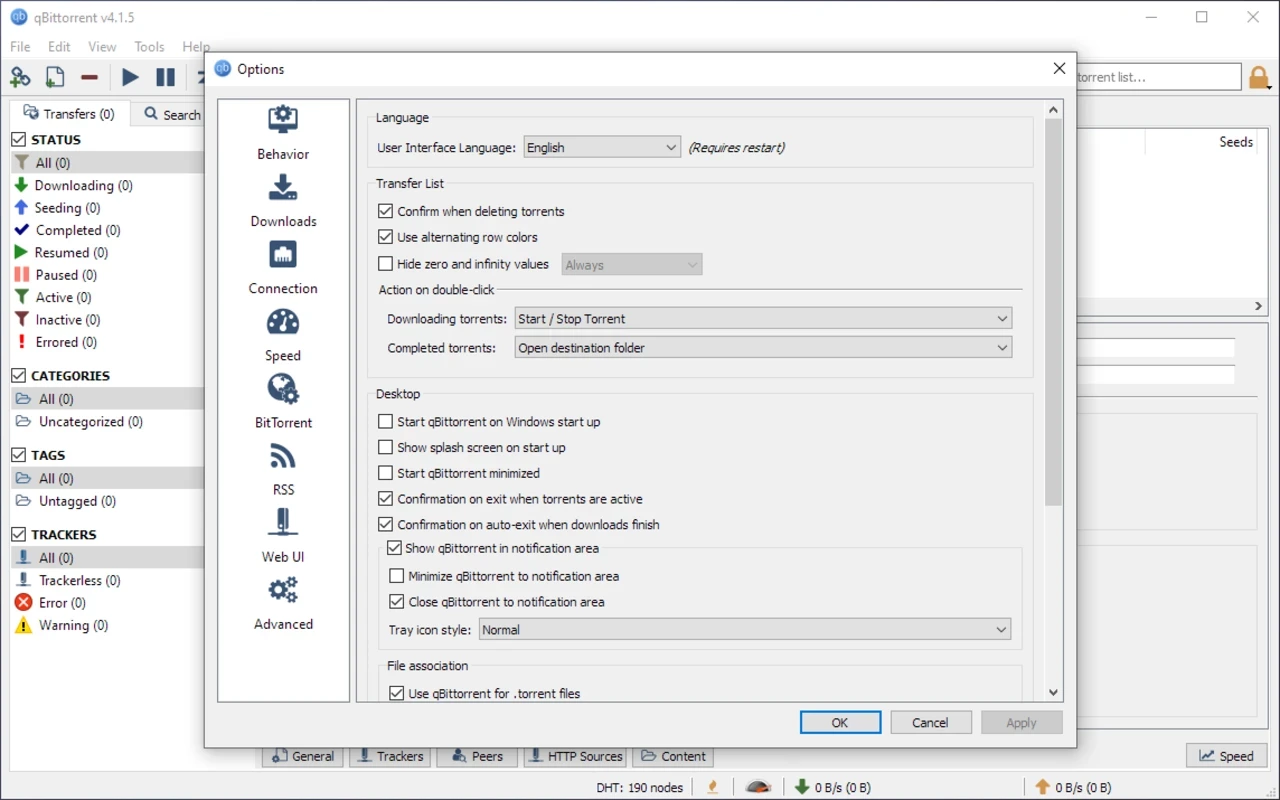
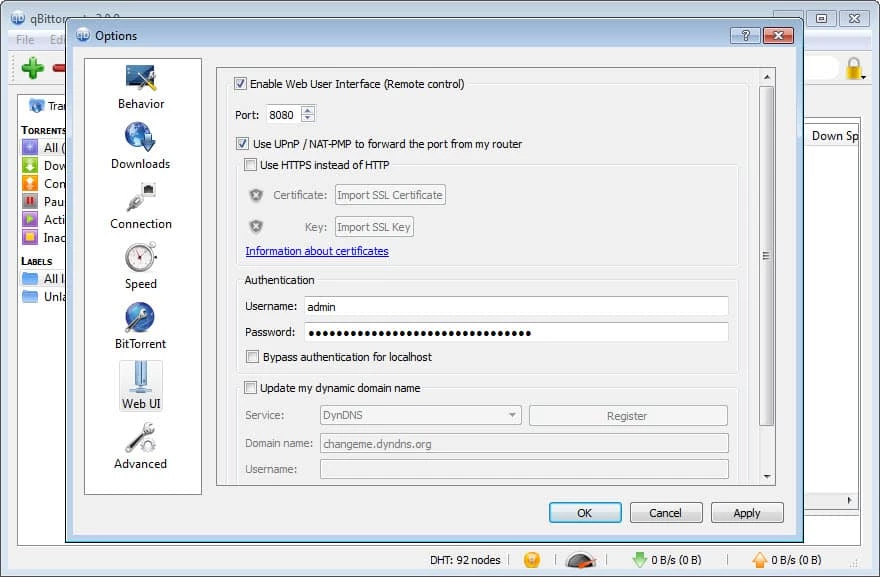
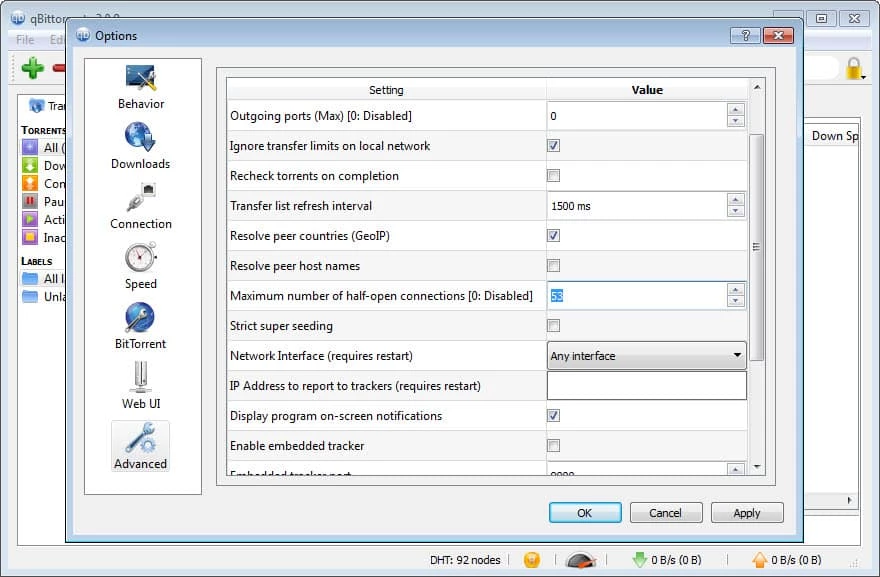
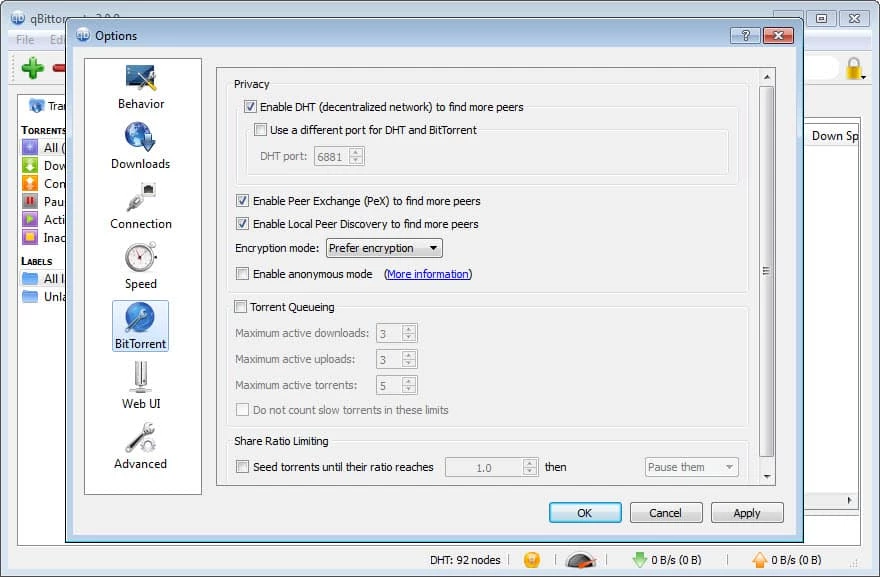
qBittorrent 5.2.3 for Windows is the current release of the free, open-source BitTorrent client. Download it from qbittorrent.org; this spec sheet covers what it needs, how to set it up and what to keep in mind when you use torrents.
| Parameter | Value |
|---|---|
| Program | qBittorrent |
| Version | 5.2.3, released 7 July 2026 |
| Developer | The qBittorrent project, founded by Christophe Dumez |
| First release | 16 May 2006 |
| Licence | Free, GNU GPL version 2.0 or later |
| Engine | libtorrent (rasterbar) |
| Written in | C++ |
| Windows | Windows 10+, 64-bit installer |
| Other systems | macOS 13+, Linux |
| Download size | about 41.10 MB according to catalogue data |
qBittorrent downloads and shares files over the BitTorrent protocol. You open a torrent file or a magnet link, choose where to save the data, and the program fetches pieces from other people who have the same file while sharing the parts you already have. Its appeal is simple: it is free, open source and carries no ads or bundled offers, which is why many users switched to it from ad-supported clients. The interface lists your torrents with their progress, speed and ratio, and you can set limits for upload and download speed, pause and resume transfers or choose which files inside a torrent to fetch. The 5.2 series has seen regular fixes: 5.2.0 arrived in May 2026 and was followed by 5.2.1, 5.2.2 and 5.2.3 by early July.
The official Windows installer targets Windows 10 and newer, in a 64-bit build. Older systems are not covered by current releases.
Open Tools, then Options. Under Downloads, pick a separate folder for incomplete files so half-finished data does not mix with your library. Under Speed, set an upload limit that keeps browsing and calls smooth. Under BitTorrent, decide when seeding should stop, for example after a set ratio. Finally, enable the option to run an antivirus check on completed downloads if your security software supports it.
The client itself is clean when it comes from qbittorrent.org. The risk lies in what you download: fake torrents can hide malware, so scan files before opening them. Only share and download content you have the right to use.
Other torrent clients in our listings: Deluge, BitTorrent, uTorrent and BitComet. The source code is on GitHub.
SHAREit is a free Windows app from the SHAREit Team for moving photos, videos and documents between a PC and a phone. The current version is 5.1.0.7.

Zapya for Windows is a free file transfer app from DewMobile for moving files between a PC and phones over a local wireless connection.

Easy Connection to Screen is Samsung's Windows app for showing a PC's screen on a compatible Samsung TV over a wireless connection.

Internet Download Manager (IDM) is a shareware download manager for Windows from Tonec that accelerates, resumes and schedules downloads.

uTorrent (μTorrent) is a small BitTorrent client for Windows from Rainberry (BitTorrent Inc) for downloading and sharing files over torrents.

AnyDesk is a remote desktop application for connecting to and controlling another computer over the internet, from a small Windows program.

ShareMe is Xiaomi's free app for sending files between devices without a cable; on Windows the Android app runs only inside an emulator.

Xender is a free file sharing app from the Xender File Sharing Team for sending files between phones and computers over a local connection.